


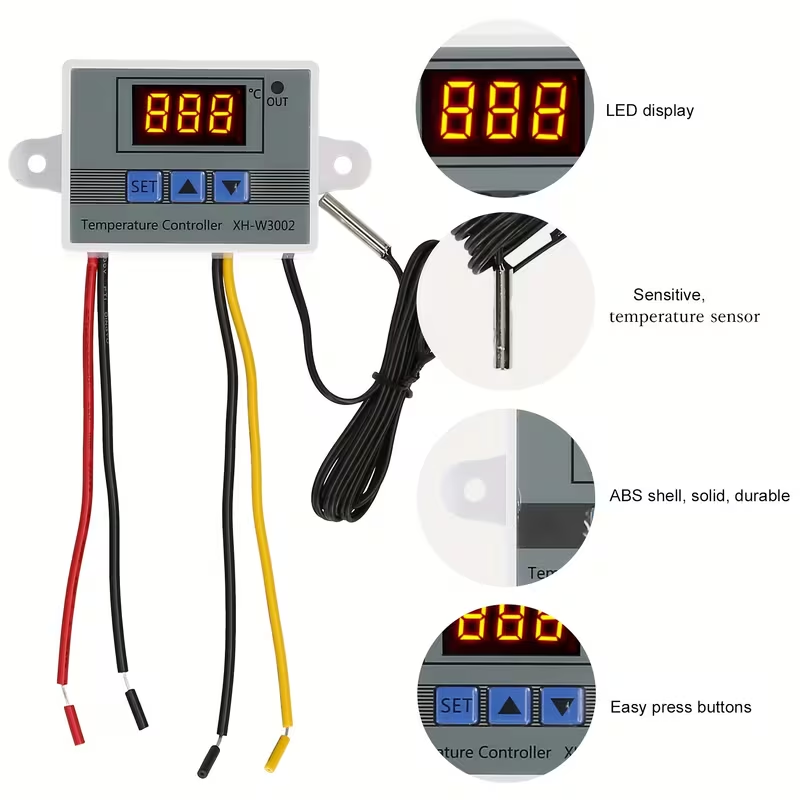
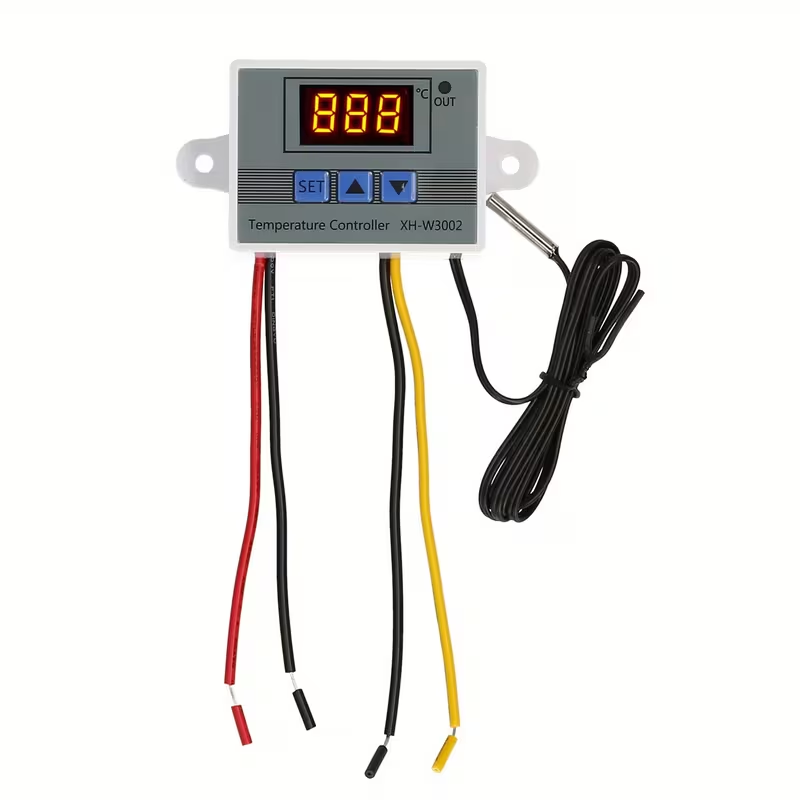
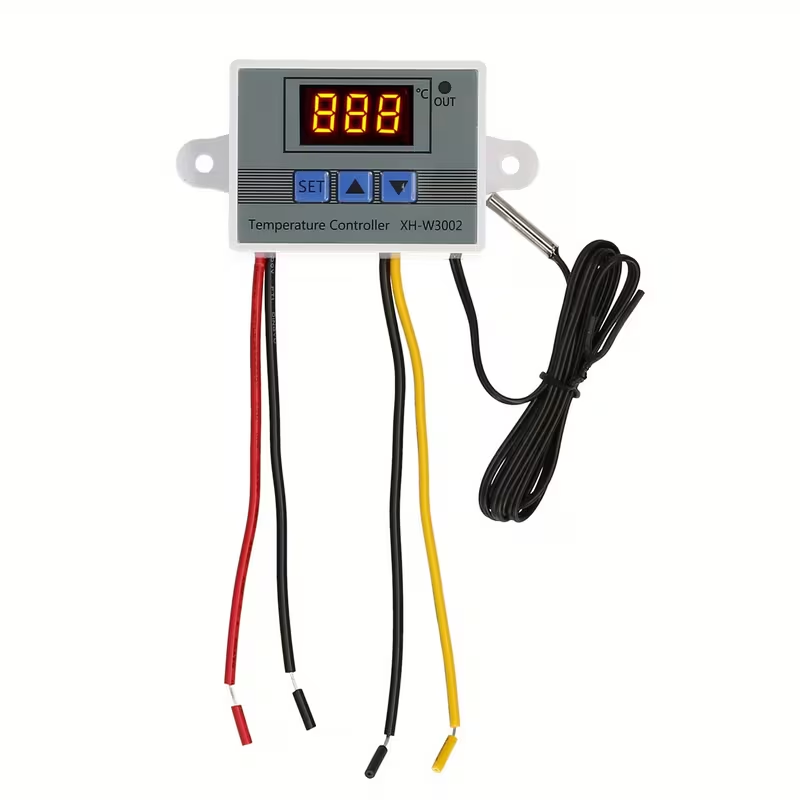
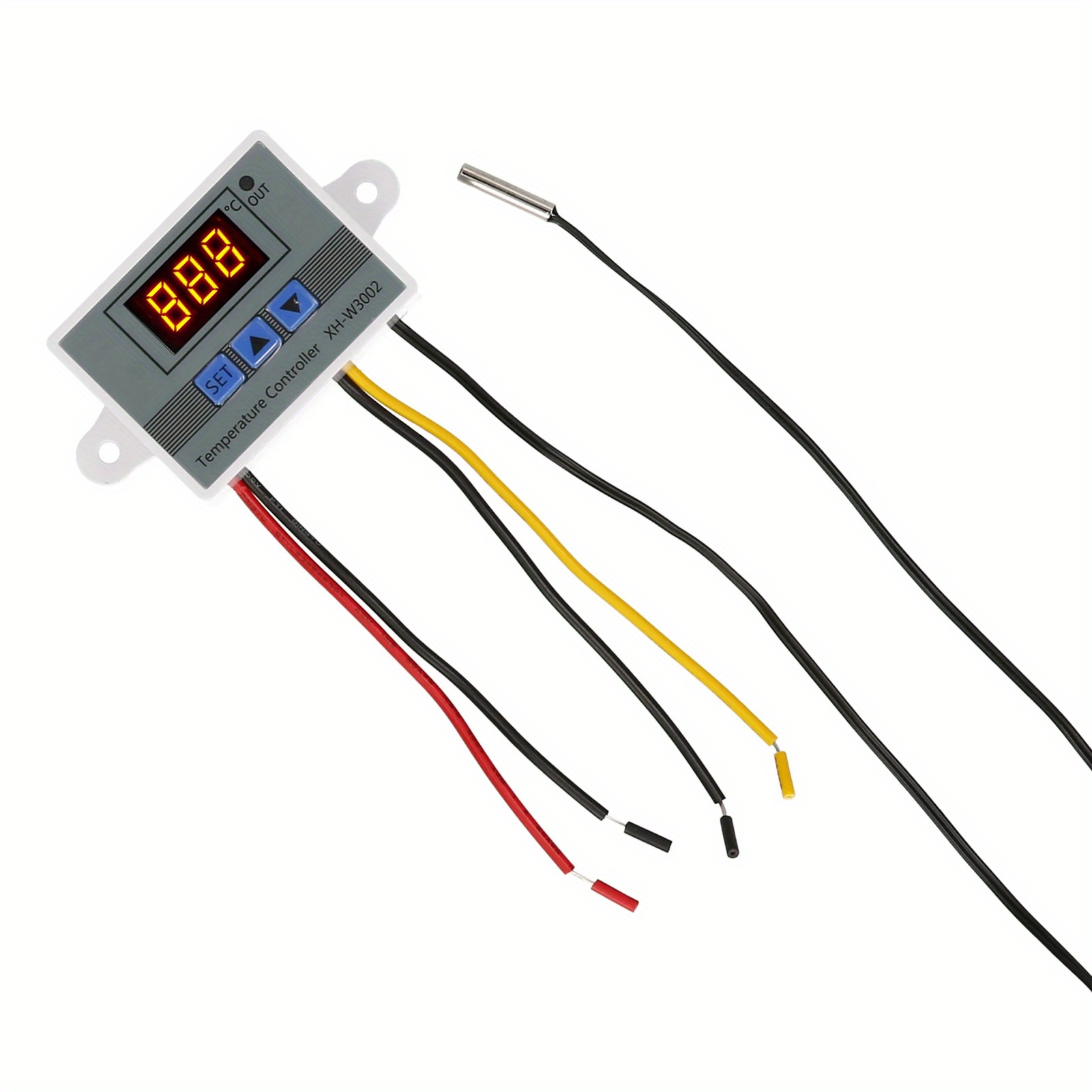
AC110V~220V Professional LED Digital Temperature Controller W3002 10A Thermostat Regulator XH-3002
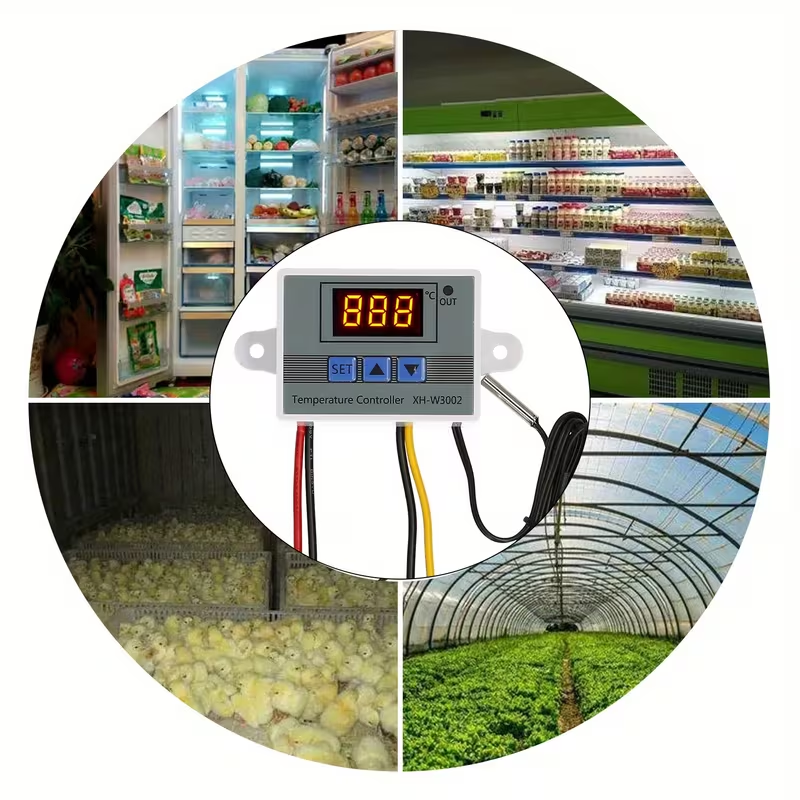
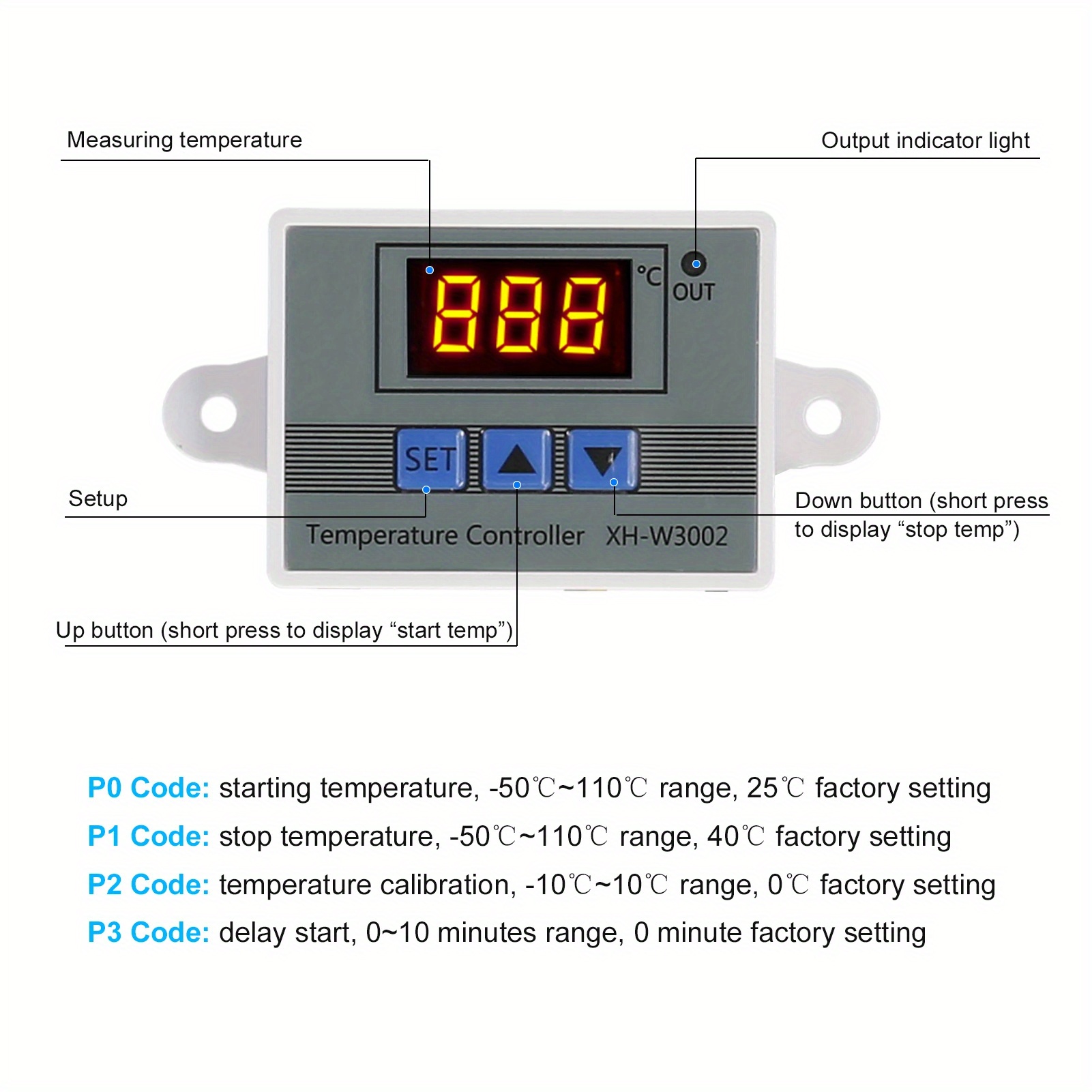
Temperature measurement, LCD displayIt has the function of cooling, heating controlUpper and lower temperature settingSimple operation, suitable for seafood machinesEasy to install and use, very convenientLong press the UP button, the temperature display flashes, press the UP or DOWN button to set the start temperaturePress the display button to stop the temperature
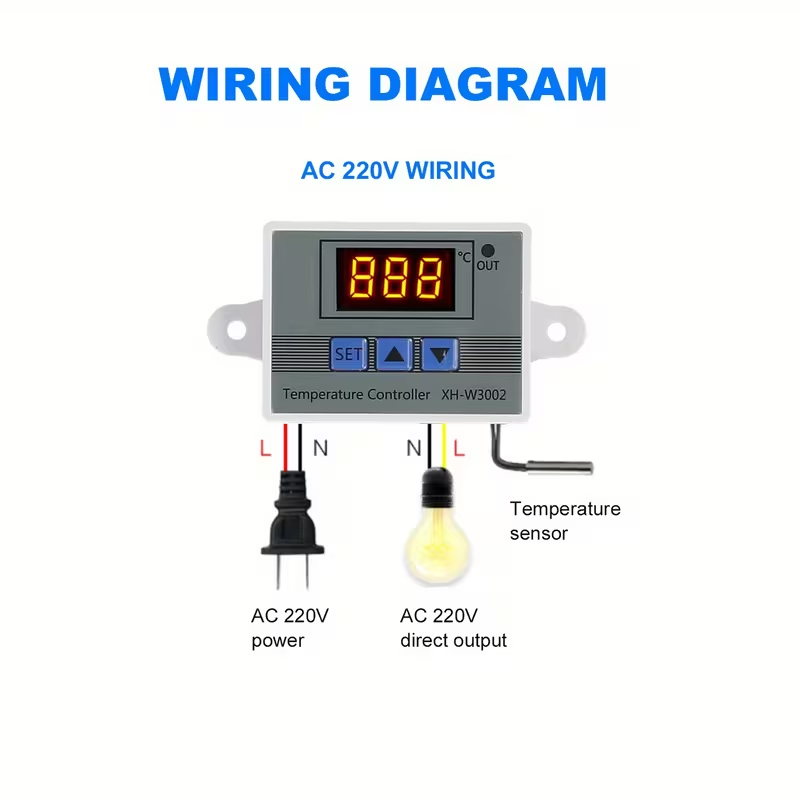
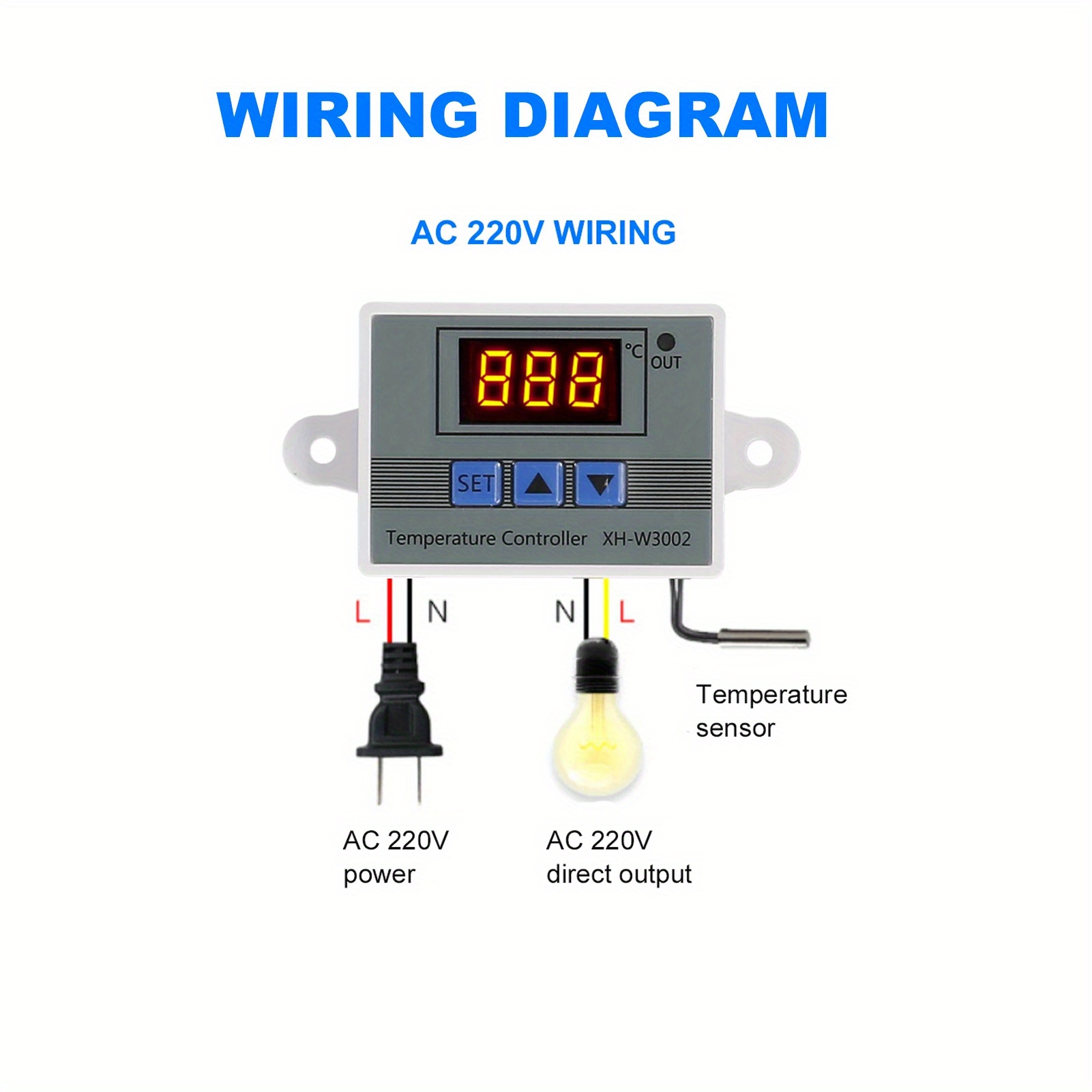
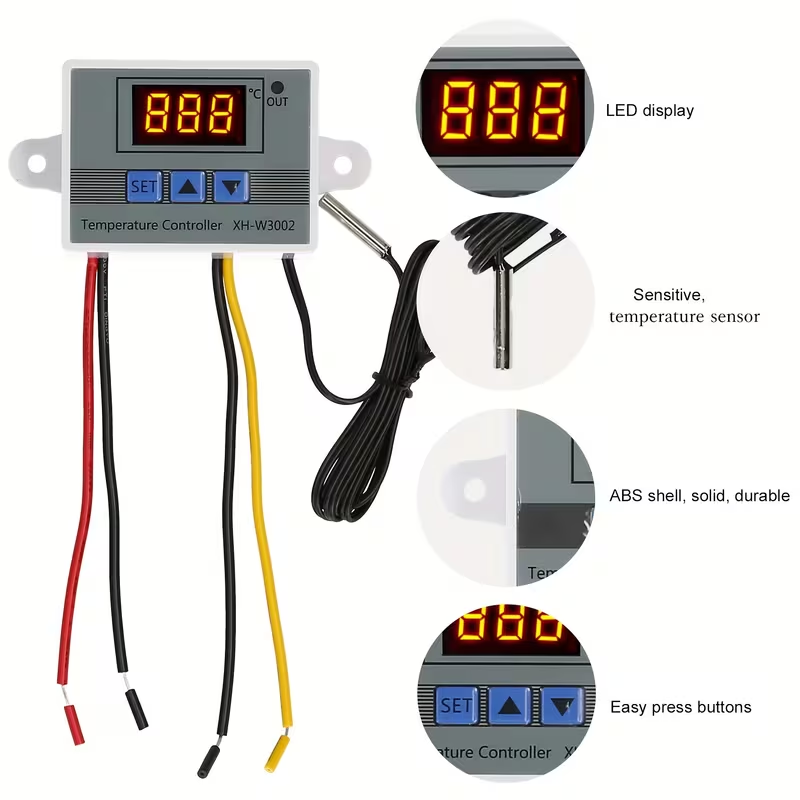
Long press the DOWN button, the temperature display will flash, press the UP or DOWN button to stop the temperature displaySpecifications:Supply voltage: 110-220VTemperature range: 50- -120 degreesTemperature control range: -50 to 120 degreesTemperature control accuracy: +0.1 degreesTemperature measurement accuracy: +0.2 degreesLoad power: 1500WInput measurement: NTC10K probe L=1 MOutput type: Direct outputOutput capacity: Max 10A
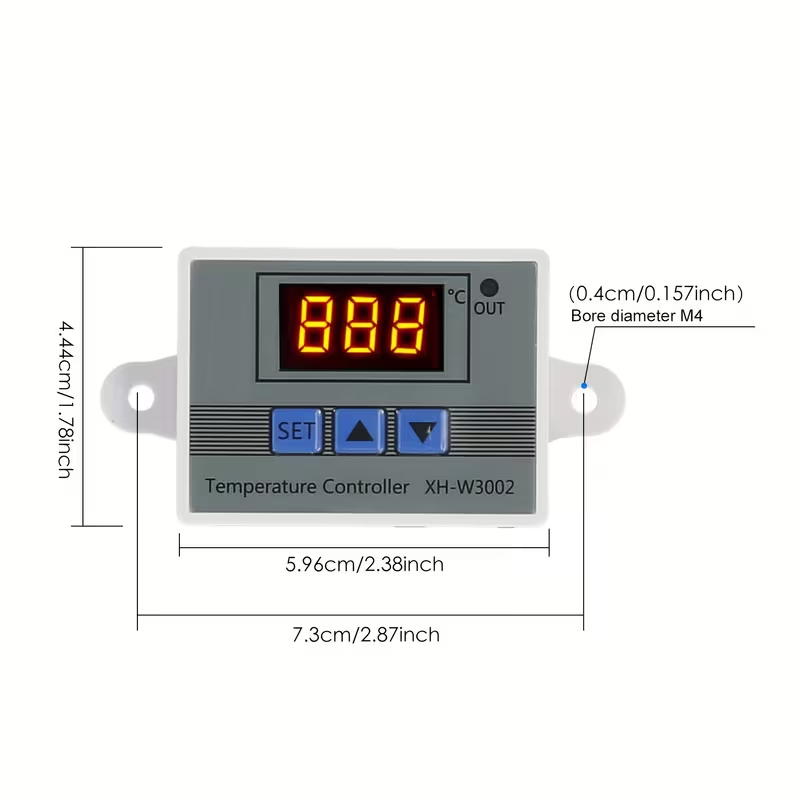
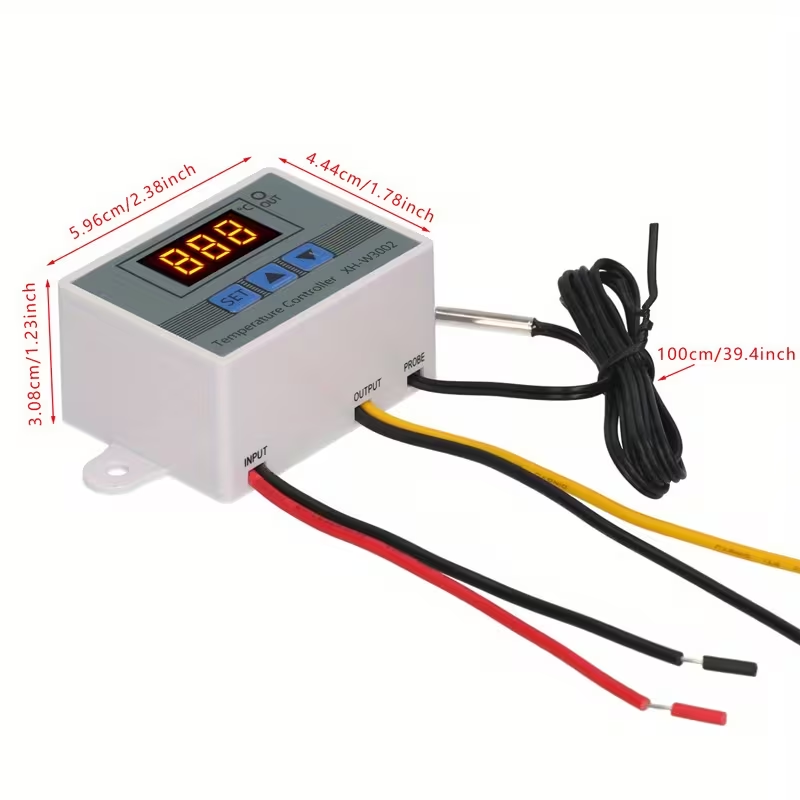
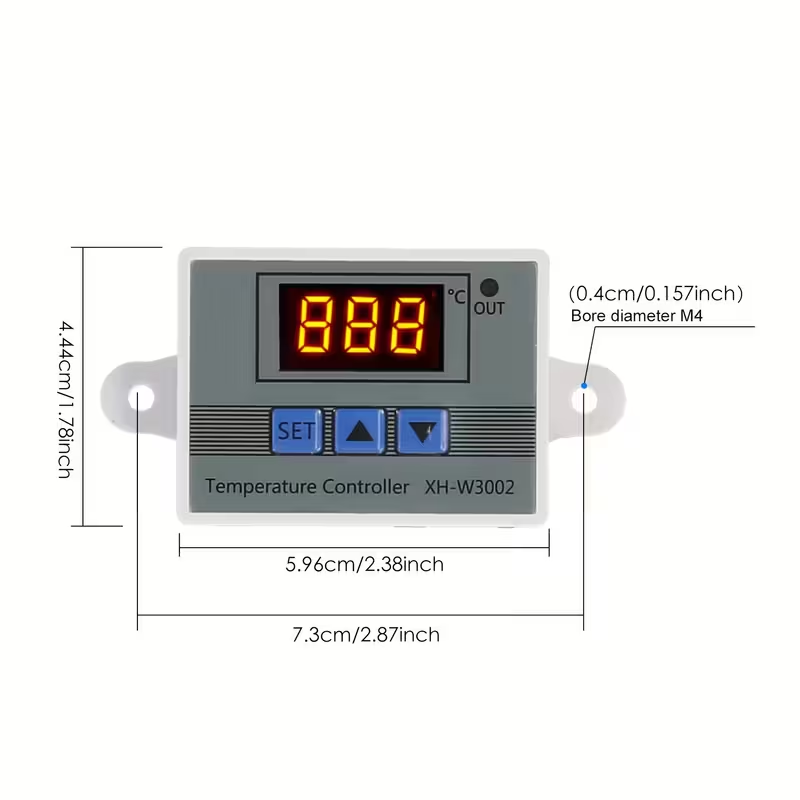
Installation hole distance: 73mm (Hole distance 4 mm)Size: 60 * 45 * 31 mmColor: White and grayNote: There may be slight color distortions due to different computer resolutionsThere may be size errors due to different computer resolutions
P2 setting temperature correction:
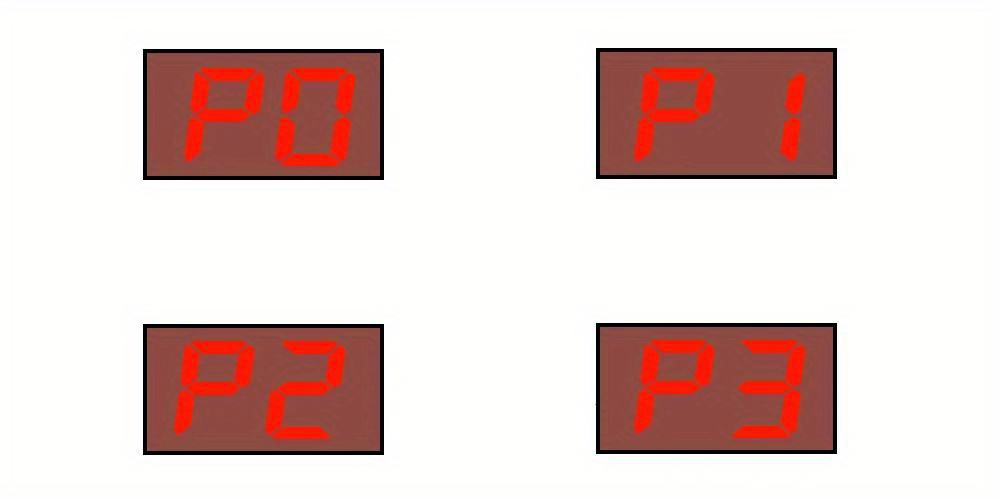
Enter the internal menu, to switch to P2 use the up and down buttons, press the setting button again, and set the required calibration temperature with the up and down buttons. In the setting, if the detected temperature v is 0.5 degrees Celsius higher than the actual temperature v, the calibration temperature that needs to be set is -0.5 degrees Celsius. If the detected temperature v is 1°C lower than the actual temperature v, the calibration temperature to be set is 1°C
Detected temperature ± corrected temperature = actual temperature P3 Start delay setting: Enter the internal menu, use the up and down buttons to move to P3, press the setting button again, and set the desired delay time (in minutes) using the up and down buttons
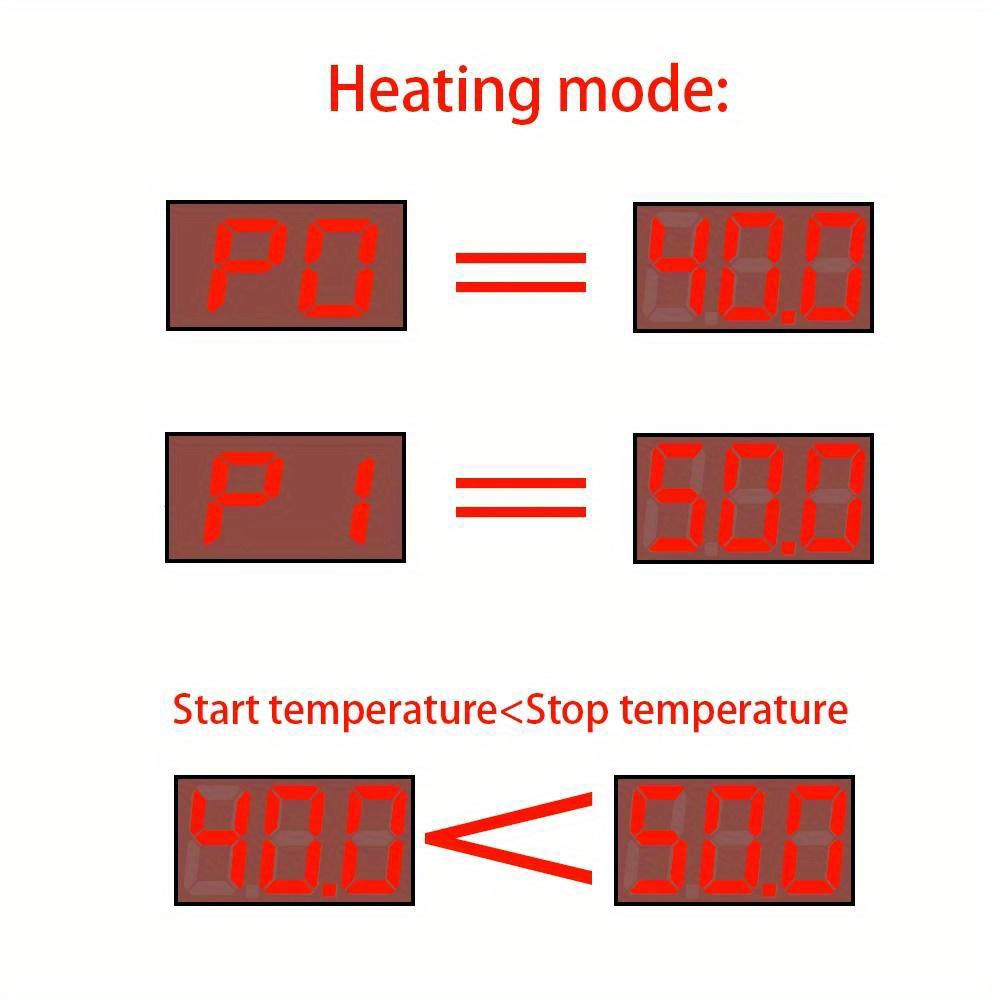
Delayed start is usually used for compressor cooling. If it is used for refrigerators and freezers, the time should be set to 3-6 minutes depending on the compressor return pressure. (If you do not use compressor control or do not need the delay function, skip this option directly) Heating mode: Start temperature < Stop temperature (the program automatically determines that the working mode is heating mode) Setting method:
Press the settings button to enter the internal menu, set the start temperature through P0 v, and the stop temperature through P1 v Use case: Control the water heater, stop heating at 50 ℃, and start heating again when the temperature returns to 40 ℃. How to set it? 1. Make sure the working mode is heating mode, and the start temperature is lower than the stop temperature
2. Press the settings button to enter the internal menu, select P0 to start the temperature, and set P0 v to 40 ℃ 3. Press the settings button to enter the internal menu, select P1 to stop the temperature setting, and set P1 v to 50 ℃
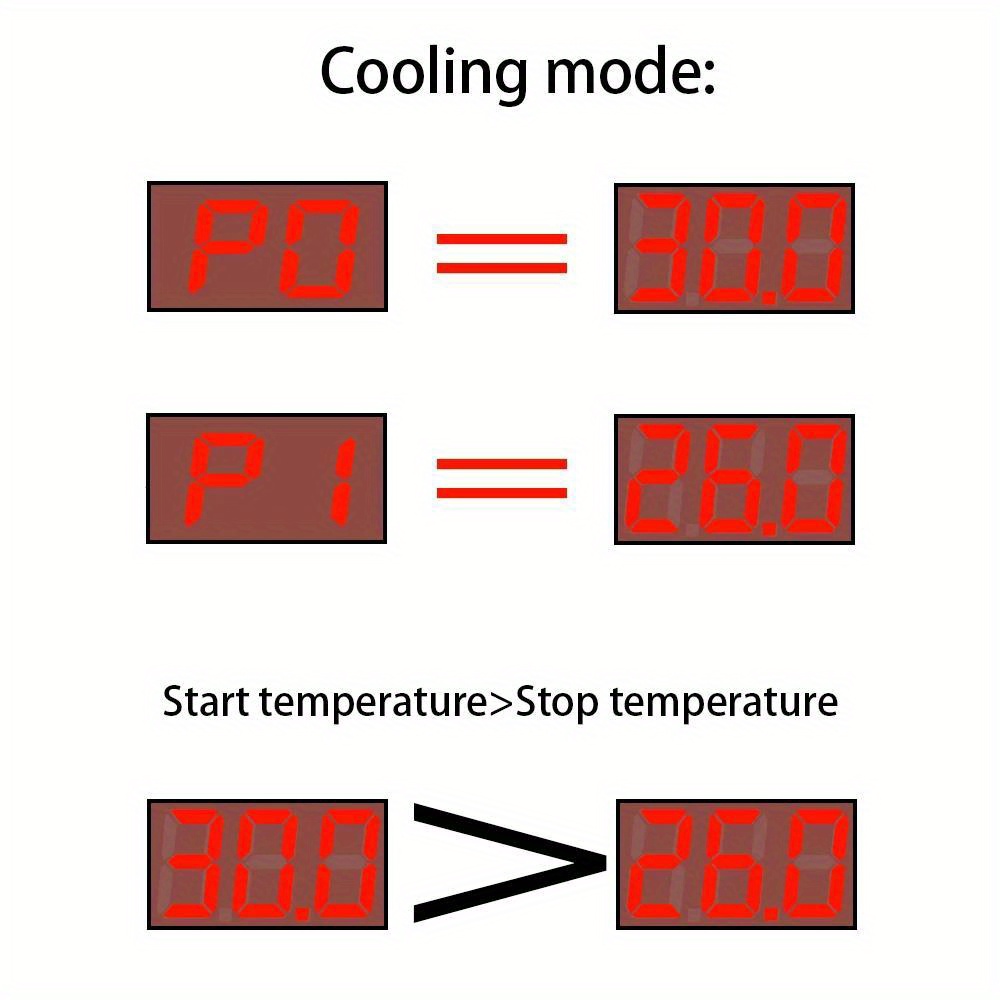
1. Make sure the working mode is cooling mode, and start temperature > stop temperature Use case: Control cabinet with heat sink, stop cooling at 26℃, and restart the heat sink when the temperature rises to 30℃. How to set it? 1. Make sure the working mode is cooling mode, and start temperature > stop temperature 2. Press the setting button to enter the internal menu, select P0 to start the temperature, and set P0 v to 30 ℃
3. Press the setting button to enter the internal menu, select P1 to stop the temperature setting, and set P1 v to 26 ℃
The actual measured temperature is 35℃, and the temperature controller displays 35.6℃. How to calibrate? 1. Short press the settings button to display P0 on the screen, press the increase button to switch to P2, and then press the settings button to display the current temperature calibration. Press the increase/decrease button to adjust the calibration to 0.6℃ (the temperature displayed by the temperature controller is 0.6℃ higher than the actual measured temperature)





Reviews
There are no reviews yet.